Are these functional or just for show?
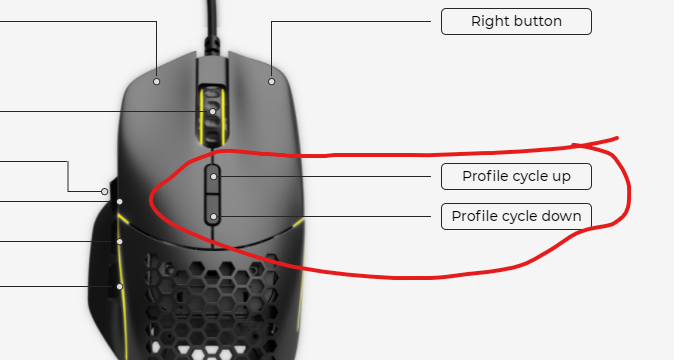
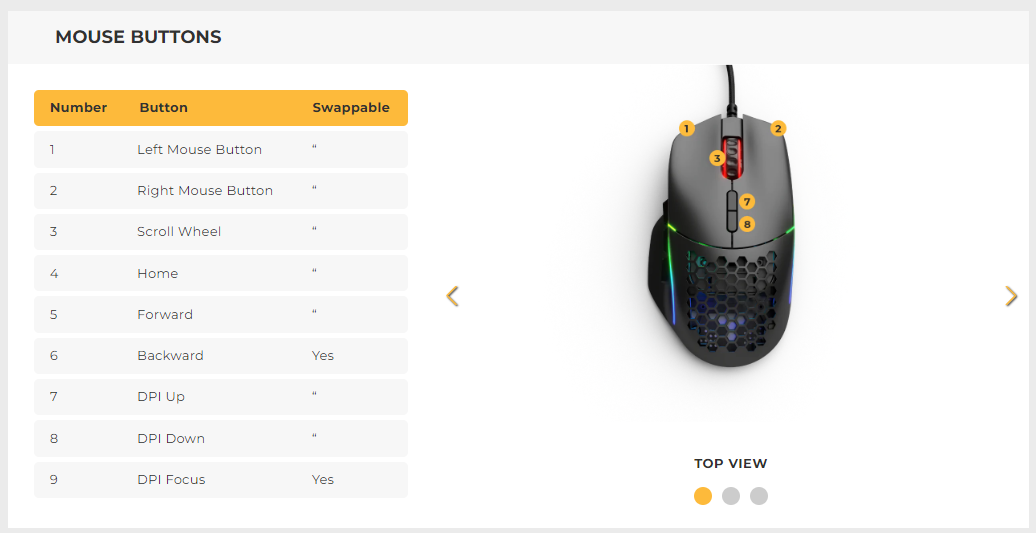
By default, those are the DPI buttons, so you would need setup these to within the Core software to do a different function for your profile.
Have you done that and it still isn’t working?
2 Likes
I changed those buttons to profile cycling but they do not cycle through my 3 configured profiles.
Did you set the buttons to cycle profiles on all three profiles? If not, the buttons will be set to cycle profile on profile 1, but set to the default DPI buttons on profile 2 and 3.
4 Likes
Not sure if you figured this out or not. But i just got the model I2 and had this issue and i flipped Cycle up and cycle down and this worked. For whatever reason having cycle up on the top button would work until it got to the profile 3 then it wouldnt cycle back down to profile 2 and so forth. same thing when cycling down. it would either get stuck on Profile 1 or 3 depending on which direction i was going. Hope tis helps.